Connect your tools. Retire the paper.
Spatio is the integration engine between your CRM, ERP and accounts, so every job is one clean record. Starting with field service.


Your systems don't talk to each other. So paper fills the gaps.





Capture the job once, on site. Spatio writes it everywhere it belongs.
One engine for any business. Whatever your trade, your tools or your process, even if it still runs on paper.
What you can do with Spatio
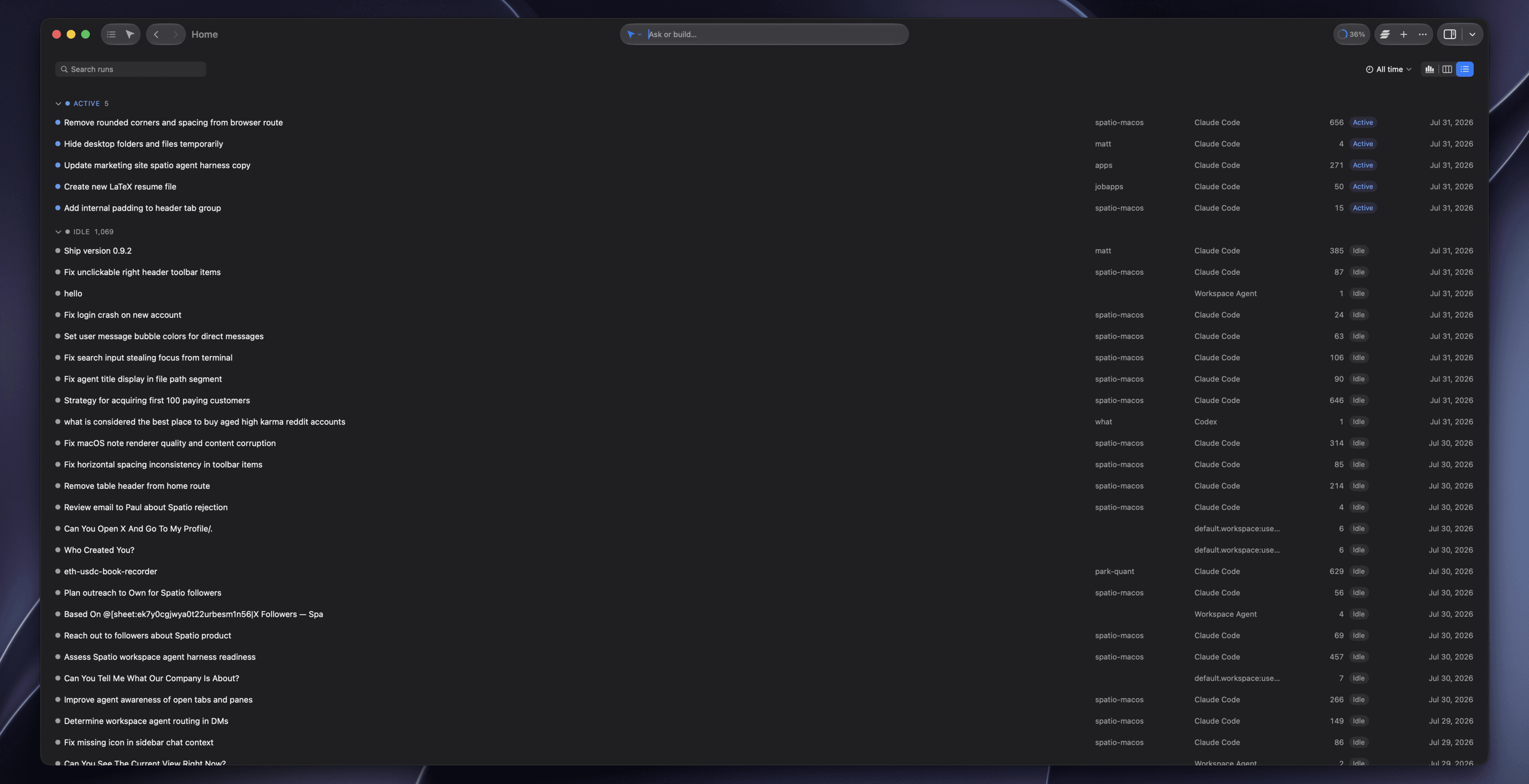
Every artifact in one table
The home view puts your whole workspace in a single dense, sortable table, the view you already think in. Filter, group and scan across every platform at once instead of hopping between apps to find the thing you half-remember.
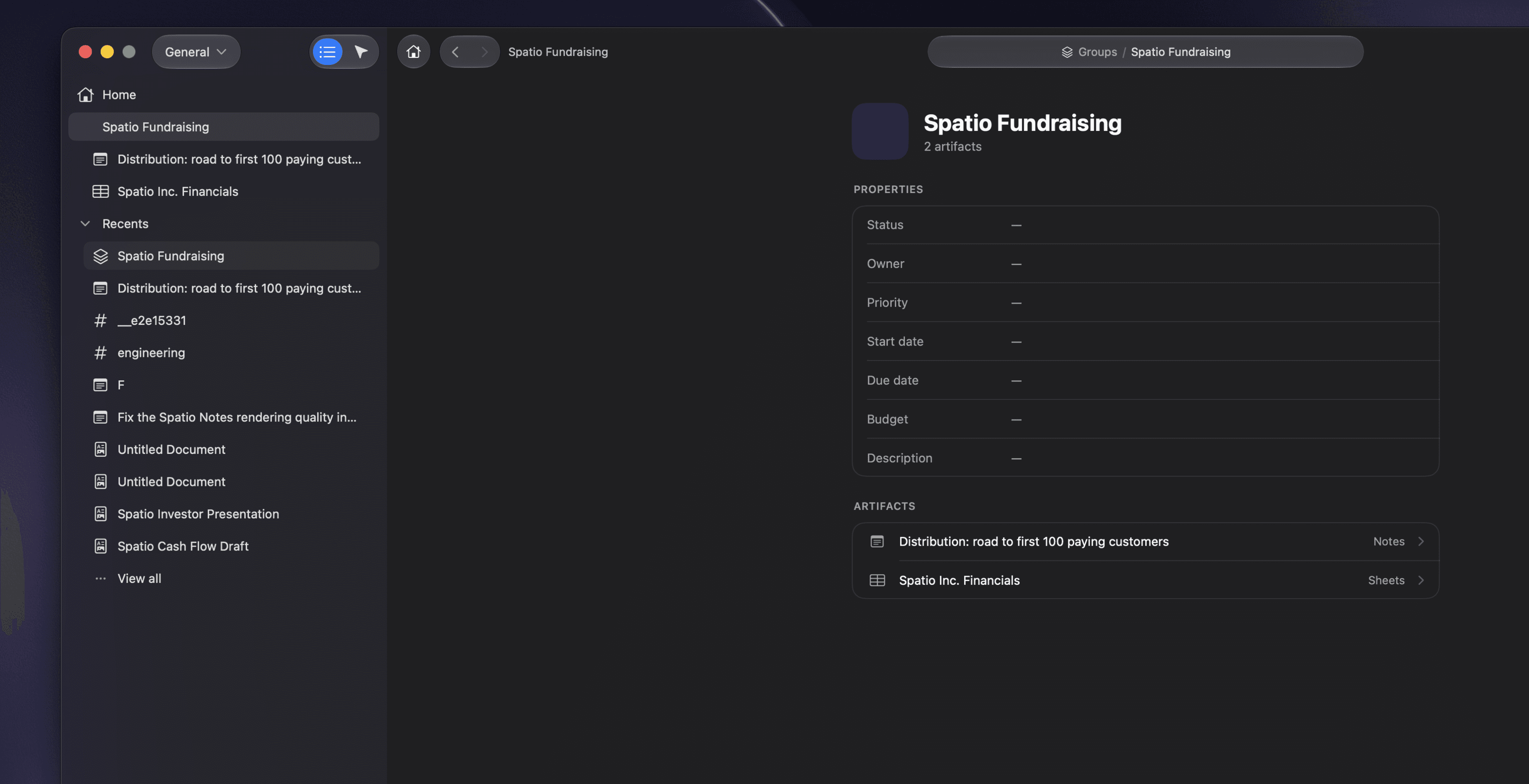
Structure that bends to your team
Groups are a nestable container for any artifact, shipped with opinionated templates that are offered rather than imposed. Strong defaults when you want them, and a structure you can actually reshape when your team does not work the way the tool assumed.
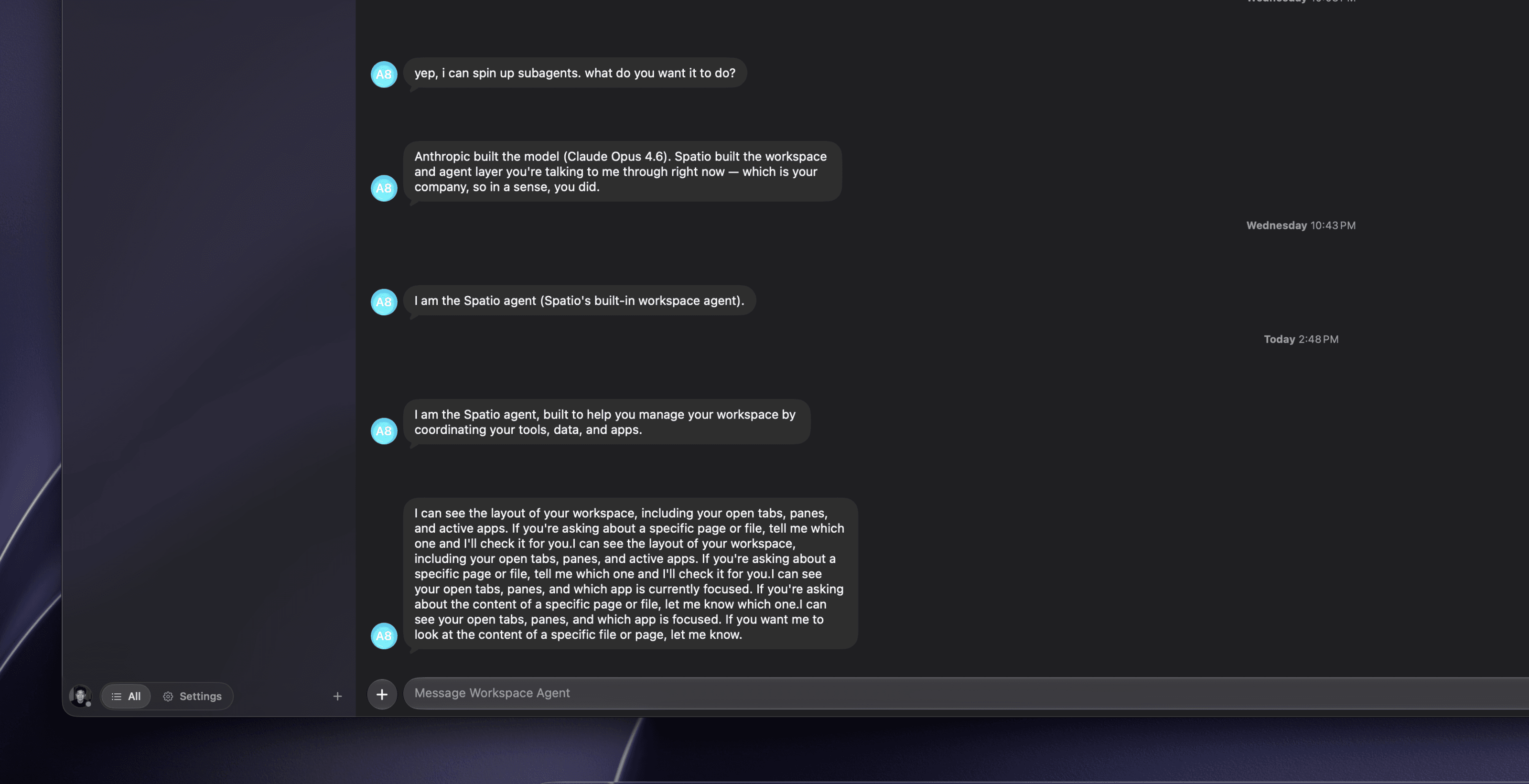
It already knows the context
No re-explaining the project, no pasting the doc back in, no @-mentioning the same six files every session. What you have open travels with the conversation, so you pick up mid-thought instead of spending the first three messages describing your own workspace.
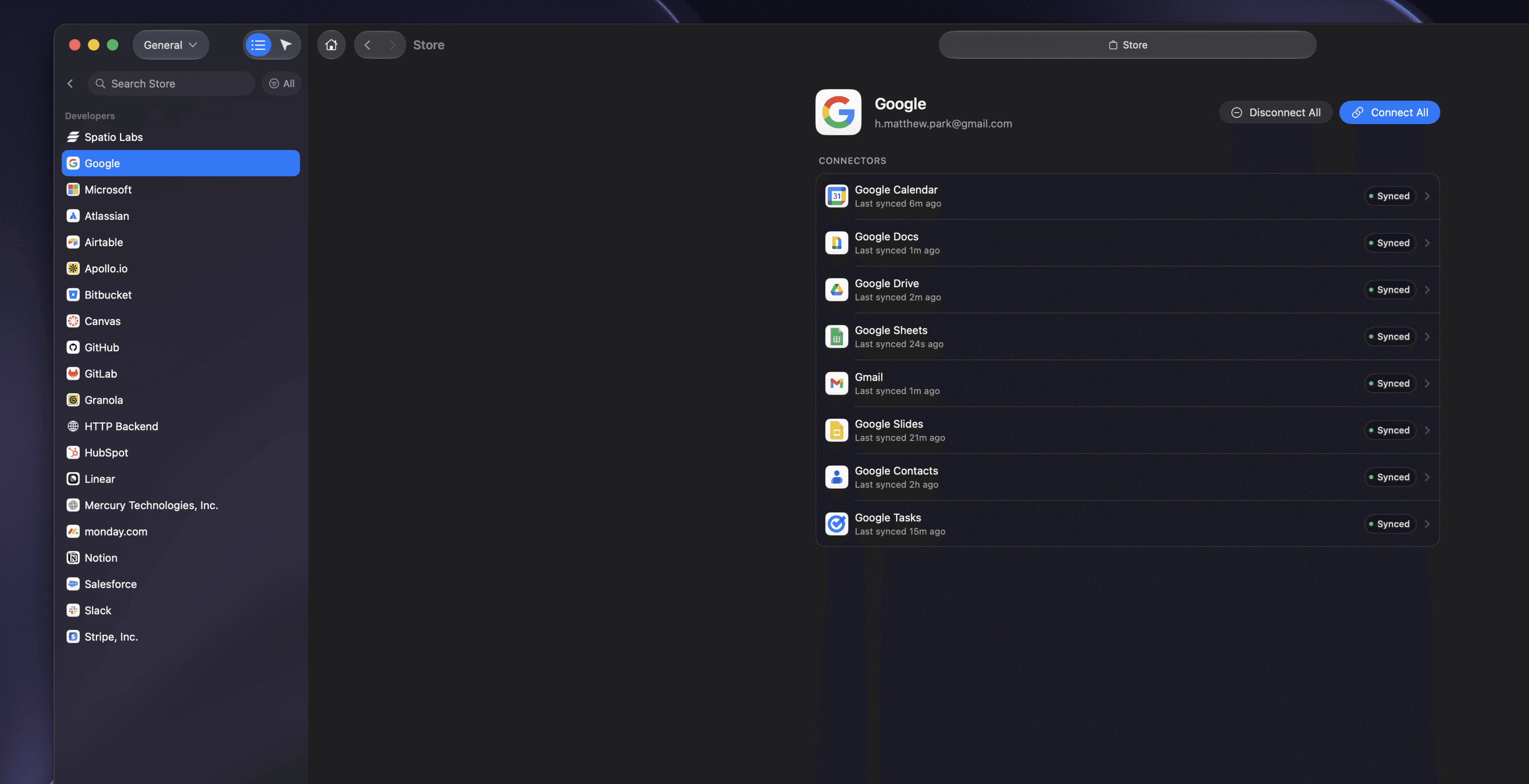
Your data, however it has to be reached
Native providers for the systems we build deep, third-party providers for the long tail, and Spatio Browser for everything with no dependable API. Your agent works in the real account with your real session rather than a stale export.
The Spatio workspace agent harness.
The Spatio Agent is a harness, not a chat box bolted onto a model. It runs on wafer-scale inference at 1,851 tokens per second: 15 to 35 times what Claude Code or Codex stream back. When the work turns into real engineering it hands off to them, slower on purpose, with no config and no second API bill.
Summarize a 9‑message Gmail thread, draft the reply, update the deal row in Sheets, post the recap to Teams: about 2,600 tokens of output.
Output throughput measured by Artificial Analysis, July 2026: Gemma 4 31B on Cerebras for the Spatio Agent, Opus 5 and Sonnet 5 for Claude Code, GPT‑5.6 and GPT‑5.3‑Codex for Codex. The race streams one turn at the rates on the cards, counting output only: time to first token, thinking and tool round-trips are excluded for all three alike.
Spatio Agent
The harness we built in house. It drives the loop itself: every workspace tool on every turn, grounded in the artifact you have open, acting on real data rather than describing it.
Claude Code
Already signed in on your machine? Spatio finds it, and hands big engineering to Anthropic’s agent, which reports back in the same thread.
Codex
The same handoff to OpenAI’s Codex on the plan you already pay for, working in your repo with the context Spatio hands it.
The same agent, in your terminal.
The workspace does not stop at the app. Install the CLI and the agent that runs your docs, tasks, mail and channels is one command away: pipe it your git log, script it in CI, or hand it your inbox from the shell you already live in.
spatio -p "…"One-shot headless runs. Prompt in, streamed reply on stdout, so it composes with pipes and drops straight into scripts and CI.
spatio chatSession-addressable runs. Open a session, send turns, tail the event stream as NDJSON, and pass the session id between processes.
spatio do <action>Every platform action, from the shell. Complete tasks, send mail, create notes. New platforms show up automatically, no CLI update needed.
Install in one command
npm install -g @spatio-labs/cliLive in your terminal
Bring us one process. We'll show you how it runs on the tools you already have.
A form, a spreadsheet or a photo of the paper is enough.